The firewall rule that allowed WireGuard and blocked it anyway
A WireGuard tunnel to a Hetzner VPS sent 670 KiB and received nothing. The firewall had an ALLOW rule for port 51820. Both facts were true — because the rule said TCP and WireGuard is UDP. A debugging war story, and the method that found it: bisect the packet path.
AI-assisted postDrafted with help from Claude, edited and fact-checked by Mart. See transparency policy →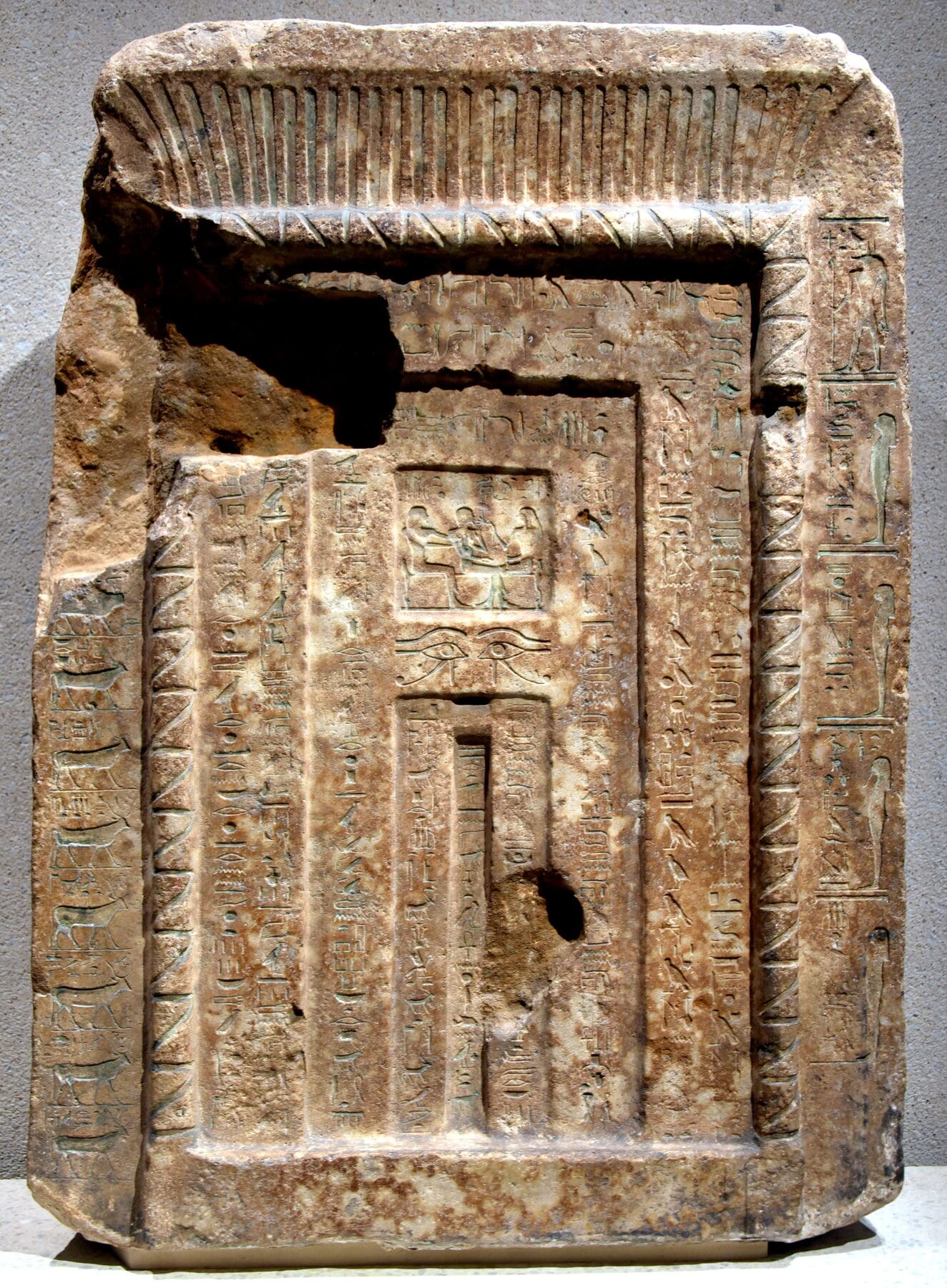
An ancient Egyptian false door (Senenmut's, c. 1480 BCE) — carved to look exactly like a doorway, solid stone behind it, built so the spirit passes through and nothing physical does. A firewall rule for the wrong protocol has the same design: a flawless-looking opening that quietly drops everything. Photo: Osama Shukir Muhammed Amin, CC BY-SA 4.0.
flowchart TD
    APP["WireGuard client: UDP/51820 out"] --> CNIC["Client NIC — tcpdump: packets leave"]
    CNIC --> NET["Internet — other Hetzner IPs ping fine"]
    NET --> HFW["Hetzner Cloud Firewall, at the hypervisor: rule is TCP/51820, packet is UDP — dropped"]
    HFW -.->|never reached| VNIC["VPS NIC — tcpdump: 0 packets in 15s"]
    VNIC -.-> IPT["iptables ACCEPT udp/51820 — 0 hits"]
    IPT -.-> WG["wireguard — handshake never starts"]

    %% solid edge = confirmed traversal; dotted = where it should have gone but didn't
    %% color on borders only — fills inherit the site theme (Nord, light/dark)
    classDef good stroke:#a3be8c,stroke-width:2.5px
    classDef bad stroke:#bf616a,stroke-width:2.5px
    classDef dead stroke:#7b88a1,stroke-width:2.5px
    class APP,CNIC,NET good
    class HFW bad
    class VNIC,IPT,WG dead
The packet path. Solid arrows are confirmed by tcpdump; dotted arrows are where the packet should have continued and didn't. The whole story is in one node.
The interface was up. wg show said 670 KiB sent, 0 B received. The handshake never completed, so every ping to the peer died. And here is the part that kept me staring at the screen: I had already opened port 51820 in the firewall. The rule was right there, green, enabled.
Both of those were true at the same time. Port 51820 was open and WireGuard1 could not use it. The word missing from that sentence is the whole bug, but I didn't have it yet — so I did the only thing that works on a silent drop. I stopped guessing and made the packet tell me where it died.
🔗 Learn more — 1 What is a VPN (and how does WireGuard do it)?
You can't theorise your way out of a silent drop
A connection that refuses gives you a signal — a RST, an ICMP2 unreachable, a log line. A connection that silently vanishes gives you nothing, and nothing is the most expensive thing to debug, because every layer is a suspect and none of them are complaining. The only way through is to stop reasoning about what should happen and start proving where the packet actually stops. Bisect the path.
🔗 Learn more — 2 What is ICMP?
There are two NICs in this story: the client's and the VPS's. The packet either crosses the gap between them or it doesn't, and tcpdump on each end answers that with no ambiguity.
On the client:
$ sudo tcpdump -ni enp5s0 'udp port 51820 or icmp'
12:41:03.118 IP client.51820 > 203.0.113.10.51820: UDP, length 148
12:41:03.119 IP client > 203.0.113.10: ICMP echo request
Packets are leaving. The client is innocent. Now the server:
$ sudo tcpdump -ni eth0 'udp port 51820 or icmp'
... 15 seconds ...
(nothing)
Zero inbound in fifteen seconds. That single pair of captures collapses the search space: the packet leaves one NIC and never arrives at the other, so whatever is killing it lives in the gap — upstream of the VPS. Nothing I do inside the server can be the cause, and nothing inside the server can be the fix. That's half the problem solved before touching a config file.
What shape is the block?
Upstream is still a big place — could be the ISP, the route, the WAN, the provider. So I poked at it from different angles to find the block's shape:
- TCP to the VPS on 22, 80, 443 — open. SSH worked the whole time.
- ICMP and UDP/51820 to the VPS — silent drop.
- Other IPs in the same Hetzner range — pingable.
- A laptop on the same WAN reaching the VPS on a different UDP port — worked.
Read those together and the block snaps into focus. It isn't the ISP (other Hetzner IPs answer). It isn't my WAN (the laptop gets through). It isn't host-wide (TCP sails in). It is specific to this host, to certain protocols: TCP fine, UDP and ICMP dropped. Something is filtering by protocol, in front of this one machine.
The red herring
The obvious suspect is the server's own firewall — except I'd already written the rule, so I checked it the way you should always check a firewall: by its hit counter, not its text.
$ sudo iptables -L -v -n
Chain INPUT (policy DROP)
 pkts bytes target  prot opt in  out  source     destination
    0     0 ACCEPT  udp  --  *   *    0.0.0.0/0  0.0.0.0/0  udp dpt:51820
The rule exists, it's correct, and its packet count is zero. A rule with zero hits has never matched anything, which means the packets never reached the chain, which means they never reached the kernel at all. The OS firewall isn't blocking the traffic — it never got the chance to. Whatever drops the packet sits above the operating system. On a cloud VM, there is exactly one thing above the operating system.
The bug
Hetzner Cloud Firewalls are enforced at the hypervisor, before traffic reaches the VM's network interface. They are stateful and default-deny inbound: anything you don't explicitly allow is dropped, and that includes ICMP unless you add a rule for it. My VM's iptables never saw the WireGuard packets because the hypervisor ate them one layer earlier.
So I opened the Cloud Firewall rules, fully expecting to find nothing for 51820. Instead I found this:
Allow inbound — TCP — port 51820
There it was. A rule for port 51820, enabled, correct, doing absolutely nothing — because WireGuard speaks only UDP. The rule matched a protocol WireGuard never sends. The actual UDP packets fell straight through to the default deny. And because I'd never added an ICMP rule, ping died the same silent death, which is what made the whole thing feel like a black hole instead of a typo.
One dropdown — TCP to UDP. The handshake landed in seconds. Tunnel ping to 10.10.0.1: 48 ms.
The rule was correct in every dimension but the one that mattered
This is the part worth keeping. That firewall rule was not broken in any way a glance would catch. The port was right. It was an inbound allow, which is what a server needs. It was enabled, scoped to the right machine, and it rendered as a tidy green row in the dashboard. Every visible dimension said correct. It was wrong in exactly one dimension — protocol — and that dimension happens to be invisible until you go looking for it.
A rule that's right about the port and wrong about the protocol is not a weaker version of a working rule. It's a rule that does nothing, while looking exactly like a rule that does something. That's a more dangerous failure than an obvious typo, because the typo announces itself and this just sits there being green.
I've written before about how an LLM hallucination is a semantically well-formed falsehood — fluent, plausible, correct on every surface dimension, wrong only on the axis you didn't check. A firewall rule for the wrong protocol is the same shape in a different medium. The lesson generalises past both: fluency on the dimensions you can see is not evidence about the dimension you can't. The only cure is to stop trusting the surface and measure the thing directly — which, for a packet, means the hit counter and two tcpdump sessions. Don't theorise. Bisect.
If your tunnel is silent and the dashboard looks fine, the dashboard looking fine is not information. Check where the packets actually die — and check the protocol. This sits one layer under the WireGuard tunnel setup itself and one layer under provisioning the Hetzner box; when those guides work first try, it's because nothing in this post went wrong. (And yes, "firewall" has a literal origin too.)
Read next